

Your App Has an Admin Panel. Can Your Team Actually Run the Business?
A customer-facing app is only part of a complete software product. Discover the admin panel features that help your team manage users, resolve issues, approve requests, track activity, and run daily operations securely.
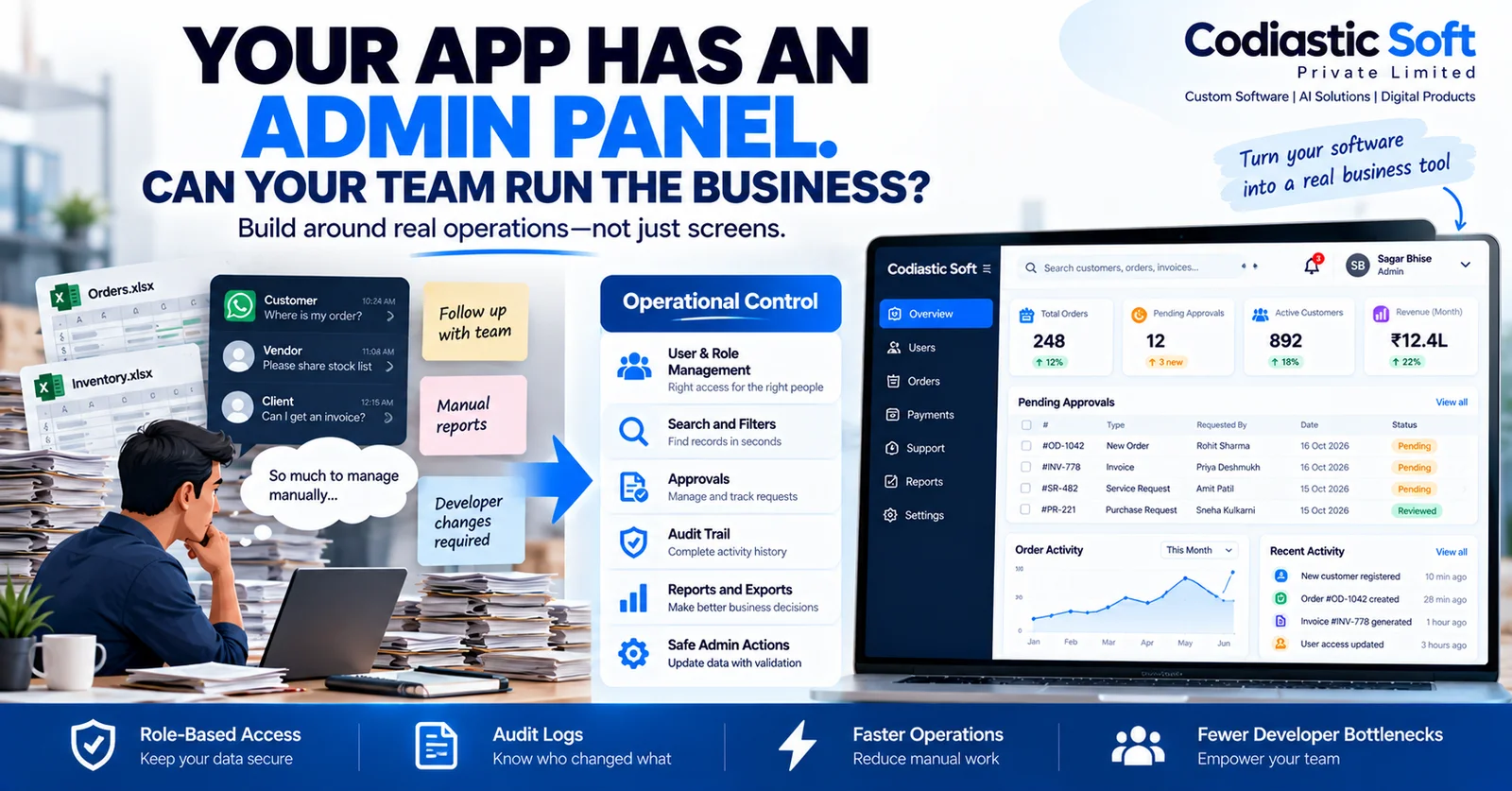
Your App Has an Admin Panel. Can Your Team Actually Run the Business?
Imagine you've launched a mobile app or SaaS product.
Customers can sign up, place orders, book services, or manage their accounts. The interface looks polished, and the main features work as expected.
But then your operations team needs to change a customer's status. Support needs to investigate a failed order. Finance needs to review a transaction. Someone needs to approve a request or correct a record.
If every small change requires a developer to access the database or modify code, your product may be missing an important operational component.
That component is the admin panel.
An admin panel is not simply a dashboard with charts and tables. It is the internal workspace that allows authorized employees to manage the application and handle everyday business operations.
1. What should a good admin panel actually do?
The answer depends on the product.
An ecommerce platform may need product, order, payment, and customer management. A booking application may need availability, cancellations, refunds, and provider management. A SaaS product may need subscription administration, account controls, usage information, and support tools.
Most admin panels should begin with the actual tasks the team needs to complete—not a generic list of screens.
Typical capabilities include:
User management: Search accounts, review status, and manage authorized account actions.
Operational management: View and update orders, bookings, requests, or other business records.
Search and filtering: Find relevant records without manually browsing thousands of entries.
Approvals: Review requests and record decisions.
Reports: Monitor operational performance and identify pending work.
Activity history: Understand what changed, when it changed, and who performed the action.
Configuration: Manage suitable settings without changing application code.
Support tools: Investigate customer problems using authorized access to relevant records.
Not every product needs all these features. The first release should focus on the workflows that genuinely matter to the business.
2. Five admin panel mistakes that create problems later
Mistake 1: Building screens without mapping workflows
A dashboard can contain dozens of pages and still fail to help employees complete their work.
Before designing the interface, identify the tasks users perform, the decisions they make, the information they need, and what should happen when an action fails.
For example, resolving a failed booking might require checking payment status, availability, customer details, and the booking history. A simple table showing bookings may not be enough.
Mistake 2: Giving every employee full administrator access
Not every team member needs access to every function.
A support agent may need to view a customer's order but not issue a refund. A finance employee may need payment-related permissions but not access to security settings.
Use role-based access control and enforce permissions on the server. Hiding buttons in the frontend is not a security boundary.
Mistake 3: Allowing important changes without an audit trail
Suppose an order is cancelled or a subscription is changed, and the business later needs to understand why.
A useful audit trail records the relevant actor, action, timestamp, affected record, and appropriate before-and-after values.
Sensitive actions may also require confirmation, approval, or additional authentication.
Audit logs should be protected against unauthorized alteration and should avoid recording secrets or unnecessary sensitive data.
Mistake 4: Making employees depend on developers for routine tasks
If an authorized operations manager needs a developer to update a service category, correct a permitted record, or review a pending request, the system may not provide enough operational control.
Well-designed admin tools allow appropriate staff to perform routine tasks within defined permissions and validation rules.
However, actions that change code, alter infrastructure, or modify critical security settings should not automatically be exposed as ordinary admin functions.
Mistake 5: Showing numbers without helping users act
A dashboard may show revenue, bookings, or active customers, but those numbers are less useful if the team cannot investigate exceptions or take appropriate action.
Prioritize information that helps employees answer questions such as:
What requires attention today?
Which requests are overdue?
Which transactions need investigation?
Which approvals are waiting?
What changed recently?
A good dashboard should help the team decide what to do next.
3. Security should be part of admin panel development
An admin panel often has access to more powerful operations than the customer-facing application. That makes its security particularly important.
Consider these controls during planning:
Authentication: Protect administrative accounts with appropriate authentication and stronger controls for sensitive systems.
Authorization: Check every privileged action on the server, including API requests made directly without using the interface.
Least privilege: Give each employee only the permissions required for their responsibilities.
Tenant isolation: In a multi-tenant SaaS product, ensure that one organization cannot access another organization's data.
Audit history: Record important administrative actions and protect those records appropriately.
Sensitive operations: Add confirmation or approval requirements for high-impact actions such as bulk changes, account suspension, or refunds where appropriate.
Monitoring and recovery: Detect suspicious activity, investigate failures, and maintain suitable backup and recovery procedures.
Security requirements should match the sensitivity of the data and the consequences of an incorrect action.
4. Example: Admin panel for a service-booking app
Imagine a platform where customers book cleaning, plumbing, electrical, or maintenance services.
The customer-facing application allows people to browse services and place bookings. The admin panel helps the business operate the platform.
An operations employee might:
Find a booking using its reference number.
Review its status, payment information, and service details.
Investigate a cancellation or customer complaint.
Take an authorized action or route the issue to the appropriate team.
Record the decision and notify the relevant person.
Review the activity history if a dispute arises later.
Managers may also need to manage service categories, provider accounts, customer support requests, reports, and operational settings.
The key is to design the admin panel around complete workflows. Finding a record is only the beginning; the employee must be able to resolve the problem safely.
5. What should you build first?
You don't need a massive back-office system on day one.
Start by identifying the most frequent operational tasks and the most expensive mistakes.
For an MVP, that might mean:
Search and view essential records.
Update approved statuses.
Manage user access.
Review pending requests.
Track important administrative actions.
View a small set of meaningful operational reports.
Then add advanced reporting, bulk operations, approval workflows, integrations, and additional controls as the product grows.
For high-risk actions, define safeguards before launch rather than treating security as a later enhancement.
Also consider whether a suitable internal-tool platform or admin framework can meet your needs. Building every component from scratch is not always necessary; the decision should account for security, customization, ownership, integration, and long-term maintenance.
6. How to measure whether the admin panel is working
A useful admin panel should improve the way the business operates.
Track measures such as:
Time required to resolve a support issue.
Number of routine changes requiring developer intervention.
Time spent finding records.
Approval turnaround time.
Frequency of administrative errors.
Number of unresolved or overdue requests.
Adoption by the employees who are supposed to use the system.
Use these measurements to improve the workflows over time. A dashboard with more features is not necessarily a better dashboard.
Conclusion
A customer-facing application helps people use your product. A well-designed admin panel helps your team operate it.
The best admin panels combine clear workflows, fast search, useful reporting, secure permissions, reliable validation, and a trustworthy activity history.
Before adding more screens, ask what your employees need to accomplish, which actions they are authorized to take, and how the system should respond when something goes wrong.
At Codiastic Soft, we develop custom software, web applications, mobile apps, and business platforms designed around real operational requirements.
Explore our services, portfolio, and case studies.
Don't build an admin panel just to manage database records. Build one that helps your team run the product.
Frequently asked questions
Does every mobile app need an admin panel?
Not every app needs a custom admin panel. If the product requires account management, content updates, support workflows, reporting, or operational controls, an admin interface may be valuable.
Should the admin panel be a separate application?
It can be a separate frontend or part of the same web application. The architecture should fit the product, while maintaining appropriate security boundaries and permissions.
Can non-technical employees manage the application?
Yes, for the tasks the system safely exposes to them. Clear interfaces, validation, role-based permissions, and useful error messages help employees handle routine operations without changing code.
How do I secure an admin panel?
Enforce permissions on the server, use appropriate authentication, limit access by role, protect sensitive operations, maintain audit logs, and test tenant isolation where applicable.
Should I build the admin panel before the customer app?
Both should be planned together. You can release them in stages, but the initial product design should account for the internal workflows needed to support customers and operate the service.

Written by
Codiastic Soft Team
We build websites, mobile apps, SaaS products and automation for growing businesses in Pune and worldwide. About us →
Keep reading
More from our blog
Software Development
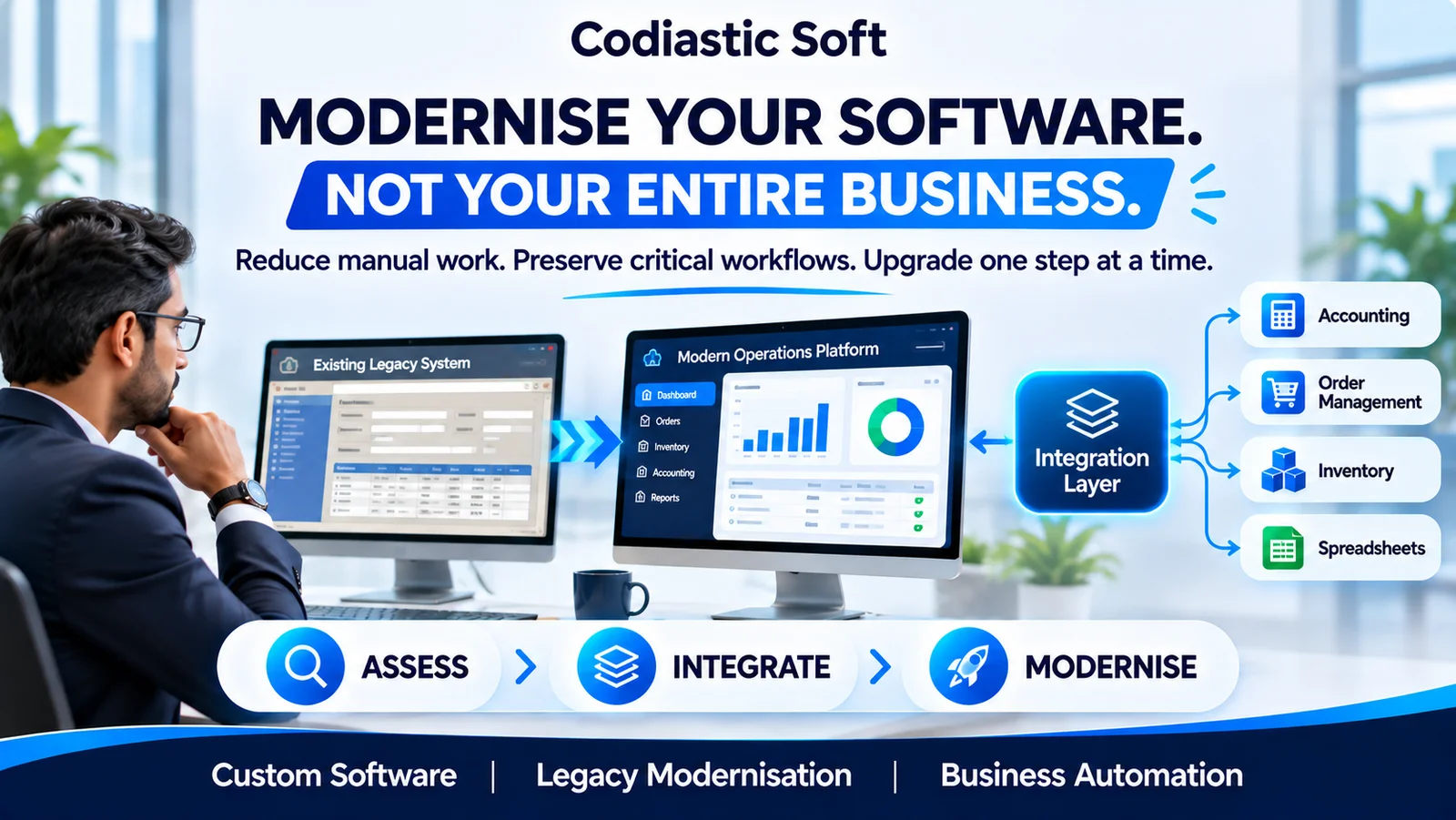
Legacy Software Modernisation: How to Upgrade Your Business Without Disrupting Operations
Read article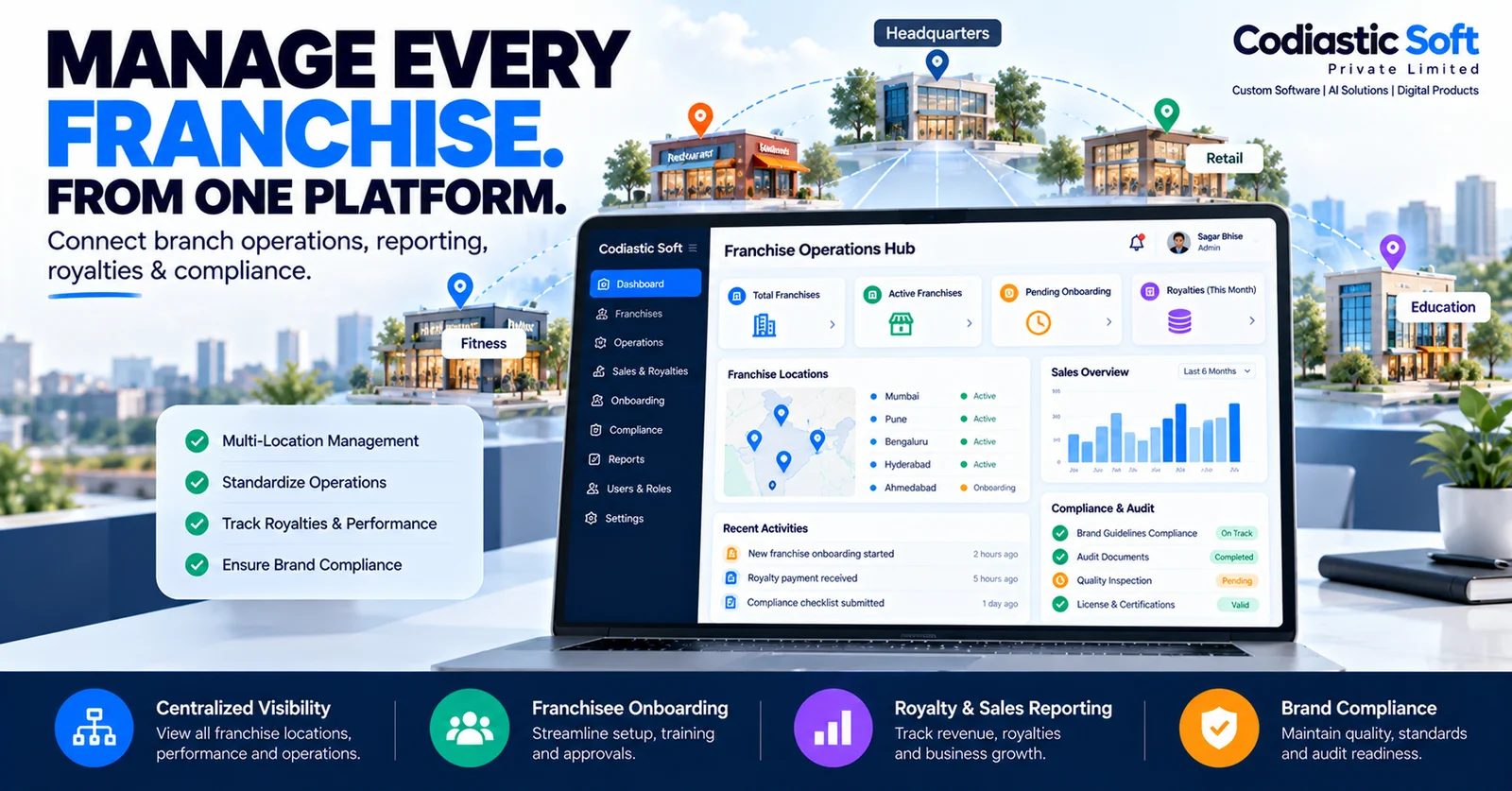
Software Development
Franchise Management Software: How to Manage Multiple Locations from One Platform
Read article
API & Integration Development