

AI Voice Assistants for Small Businesses: Automate Calls Without Losing the Human Touch
Missed calls can mean missed customers. AI voice assistants can answer routine enquiries, capture customer information, book appointments and manage after-hours calls. But successful implementation requires more than a realistic AI voice. Discover how to build a reliable voice automation system with telephony integration, business knowledge, appointment scheduling and seamless human handoff.
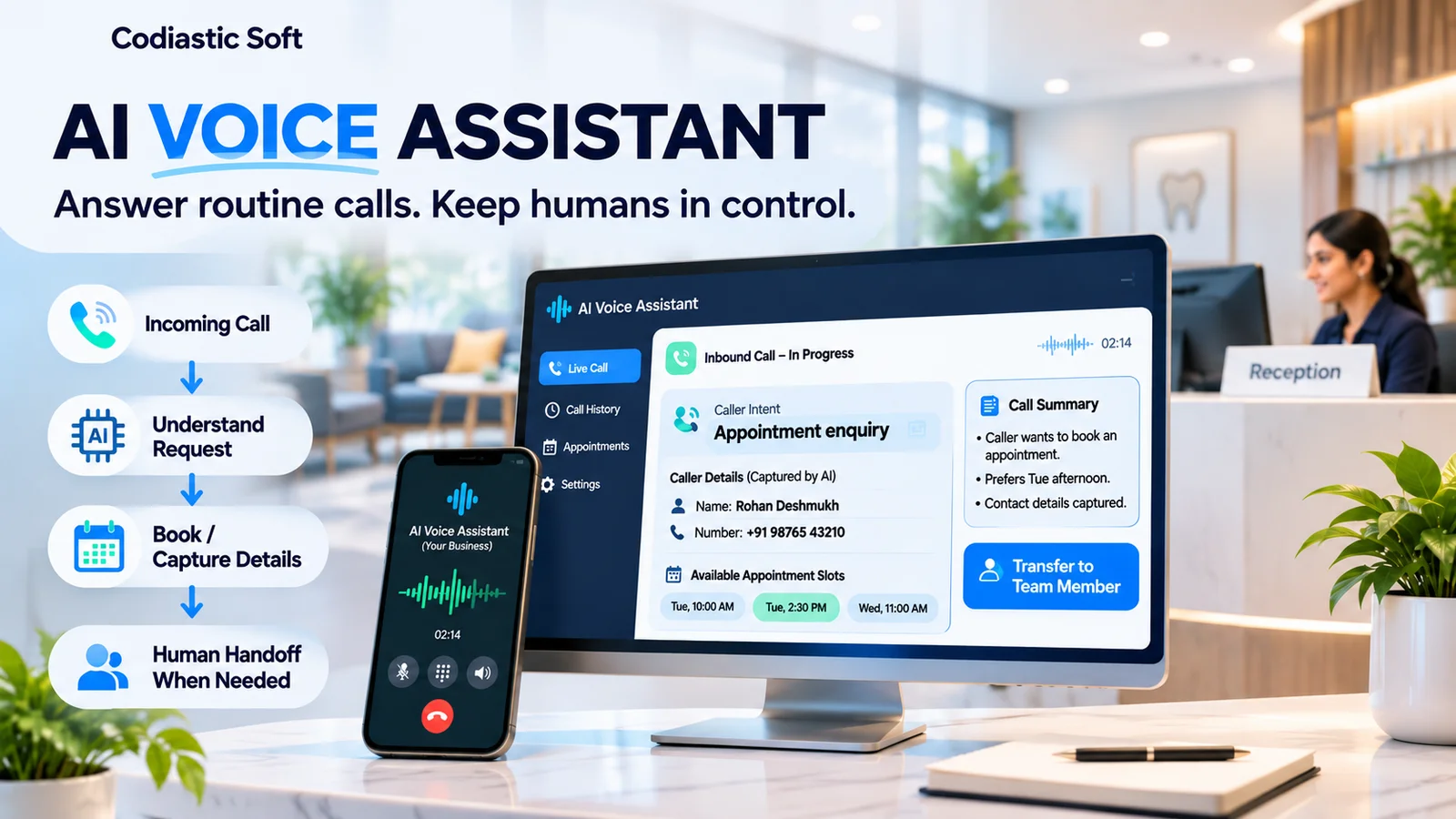
AI Voice Assistants for Small Businesses: Automate Calls Without Losing the Human Touch
Your business might be losing customers before you even speak to them
Imagine running a dental clinic.
A patient calls to enquire about an appointment. Your receptionist is assisting someone at the front desk. Another call arrives. A third customer wants to know the clinic's operating hours.
Nobody answers the second and third calls.
The same problem happens in home-service businesses, real estate agencies, consultancies, automobile workshops and many other appointment-based businesses.
Employees are busy serving existing customers, attending meetings or working on-site. Meanwhile, potential customers are calling and receiving no response.
Some callers leave a voicemail. Others simply contact another business.
This is where AI voice assistants can become useful.
Instead of treating every unanswered call as a missed opportunity, businesses can introduce an intelligent system that answers routine enquiries, collects information and performs predefined tasks.
However, the objective should not be to replace every human interaction with AI.
The objective is to make sure customers receive a useful response, even when your team is unavailable.
What is an AI voice assistant?
An AI voice assistant is a software system that can communicate with customers through telephone conversations using speech recognition, artificial intelligence and text-to-speech technology.
Unlike traditional IVR systems that ask callers to press numbers, conversational voice assistants can understand natural language and respond based on configured business information and workflows.
For example, a customer might say:
"I want to book a dental appointment for tomorrow afternoon."
The assistant can identify the booking intent, ask relevant questions, check available appointment slots and initiate a booking through the connected scheduling system.
A properly designed implementation can also transfer the call to a human employee when the request is outside its capabilities.
1. Answer missed and after-hours calls
One of the most practical applications is inbound call handling.
Businesses can configure their telephone system to route unanswered calls or after-hours calls to an AI voice assistant.
The assistant can:
Greet the caller.
Identify the reason for calling.
Answer approved business-related questions.
Capture the caller's name and contact details.
Collect relevant enquiry information.
Send the information to the business team.
Escalate urgent or complex requests.
This is particularly useful for businesses where employees spend much of their working time away from the reception desk.
A sensible implementation should make it clear that the caller is interacting with an AI assistant and provide an option to reach a person.
2. Automate appointment booking
Appointment scheduling is one of the more practical voice AI use cases.
Consider a clinic receiving calls throughout the day.
The AI assistant can:
Identify that the customer wants an appointment.
Ask which service or specialist they require.
Check availability using the connected calendar or booking system.
Offer available time slots.
Confirm the selected appointment.
Create the booking through the authorized integration.
Send a confirmation message.
The important part is the integration.
A voice assistant should not simply tell customers that an appointment has been booked because it heard them select a time.
It must verify that the booking was successfully created in the actual scheduling system.
This prevents duplicate appointments, incorrect availability and misleading confirmations.
3. Qualify incoming business enquiries
AI voice assistants can also support sales and enquiry management.
For example, an incoming caller to a software development company might be asked:
What type of software are you looking to develop?
Is this a new product or an existing application?
What business problem are you trying to solve?
What is your expected timeline?
How can our team contact you?
The assistant can structure this information and create an enquiry record in the company's existing business system.
The sales team receives a call summary and can prioritize the enquiry instead of listening to every recording.
Importantly, qualification rules should be configured by the business. The AI should not invent prices, promise delivery dates or make commercial commitments without authorization.
4. Connect AI voice assistants with existing business systems
This is where custom software development and API integration become especially important.
A voice assistant working independently may answer questions, but its business value increases significantly when it can interact with existing systems.
Consider these integrations:
Existing system | Possible functionality |
|---|---|
Google Calendar | Check availability and create appointments |
Booking platform | Book, reschedule and cancel appointments |
ERP | Retrieve approved order or service information |
Business software | Create and update enquiry records |
Website | Retrieve approved service and pricing information |
WhatsApp/SMS provider | Send confirmations and follow-ups |
Helpdesk | Create support tickets |
Send call summaries and notifications |
Every integration should have clear permissions, validation rules and error handling.
For example, an AI assistant should not have unrestricted access to modify financial records simply because it can understand a customer's request.
5. Human handoff is essential
This is probably the most important part of designing a production-ready AI voice assistant.
Not every conversation should be handled by AI.
Consider these situations:
A customer is angry or frustrated.
A caller has a complicated requirement.
The assistant cannot understand the request.
A customer specifically asks for a human.
The request involves sensitive information.
The assistant cannot verify the information requested.
In these situations, the system should offer a human handoff or capture the information for a callback.
A good handoff should transfer the caller's details, conversation summary and reason for escalation.
Customers should not have to explain their entire problem again after being transferred.
6. What technology is required to build an AI voice assistant?
A production-grade voice assistant typically consists of multiple connected components.
Telephony infrastructure: Connects the assistant to real telephone numbers and handles incoming calls, call routing and transfers.
Speech-to-text: Converts the customer's spoken words into text.
AI conversation engine: Understands intent, maintains conversational context and determines the next action within defined boundaries.
Text-to-speech: Converts the assistant's response into natural speech.
Backend application: Manages business rules, customer information, appointments, call records and integrations.
Database: Stores call sessions, structured enquiry information, booking references and audit history.
Integration layer: Connects calendars, booking software, ERP, internal applications and notification systems.
Monitoring: Records call outcomes, failed interactions, transfer events and technical errors.
Possible technology choices include Node.js or Python for backend development, PostgreSQL for structured business data, a telephony provider such as Twilio or Plivo, and a suitable real-time voice AI service.
The final selection depends on geography, language requirements, call volume, latency, integration needs and operating costs.
7. Why voice AI demonstrations often fail in real businesses
A demo generally happens in a quiet environment with a predictable conversation.
Real telephone calls are different.
Customers interrupt, change topics, speak with different accents, use regional languages, ask multiple questions and provide incomplete information.
There are also technical issues involving network latency, background noise, telephony interruptions and calendar synchronization.
Some common implementation mistakes include:
Giving the AI too much freedom.
Using outdated business information.
Not testing regional accents.
Failing to recognize when a human is needed.
Not validating appointment availability.
Allowing duplicate bookings.
Failing to record call outcomes.
Not monitoring unsuccessful conversations.
A reliable assistant should have a narrow initial scope, tested conversation paths and a clear fallback mechanism.
8. Start with a controlled pilot
Instead of automating every telephone interaction immediately, start with a defined use case.
For example, a dental clinic could begin with:
After-hours incoming calls.
Operating-hours enquiries.
Basic service information.
Appointment requests.
Callback information collection.
Run the pilot for two to four weeks and measure:
Total incoming calls.
Calls answered by the assistant.
Successfully captured enquiries.
Successfully completed bookings.
Human transfers.
Failed or abandoned conversations.
Customer complaints.
Cost per successfully handled enquiry.
Compare the results with the existing process.
If the assistant cannot reliably complete its basic tasks, do not expand its responsibilities simply because the demonstration sounded impressive.
9. Should you purchase an AI voice platform or build a custom solution?
For businesses with simple requirements, an existing AI receptionist platform may be sufficient.
Custom development becomes worth evaluating when the business needs:
Multiple business locations.
Regional language support.
Specialized conversation workflows.
Custom appointment or booking logic.
Existing ERP or internal software integration.
Custom reporting and analytics.
Complex human escalation.
A branded AI assistant integrated into its own product.
The decision should be based on the total implementation cost, reliability, integration limitations and ongoing operational expenses.
There is no reason to rebuild a standard feature if an existing product already solves the problem.
10. How Codiastic Soft approaches AI-powered business automation
At Codiastic Soft, we work on custom software development, AI solutions, web applications, mobile applications, API integrations and business automation.
We approach AI solutions as complete software systems rather than isolated chatbot demonstrations.
That means considering the backend, database, integrations, permissions, business rules, monitoring and user experience alongside the AI component.
Our published Defect IQ industrial AI project demonstrates our work in AI-powered software workflows.
AI voice assistants are another solution area where our software engineering capabilities can be applied to business-specific requirements. We do not claim that Defect IQ is a voice AI deployment; it is an example of our broader AI software capability.
Final thoughts
AI voice assistants can help businesses handle routine incoming calls, capture enquiries, schedule appointments and improve after-hours coverage.
But the real value comes from connecting the assistant to the systems and processes that run the business.
A good AI assistant should know what it can answer, what it can do, when it must ask for clarification and when it must transfer the conversation to a human.
AI should make your business more responsive, not make your customers work harder to reach you.
If you are exploring AI-powered automation, custom software or intelligent business applications, connect with Codiastic Soft.
Website: https://www.codiasticsoft.com
Services: https://www.codiasticsoft.com/services

Written by
Codiastic Soft Team
We build websites, mobile apps, SaaS products and automation for growing businesses in Pune and worldwide. About us →
Keep reading
More from our blog
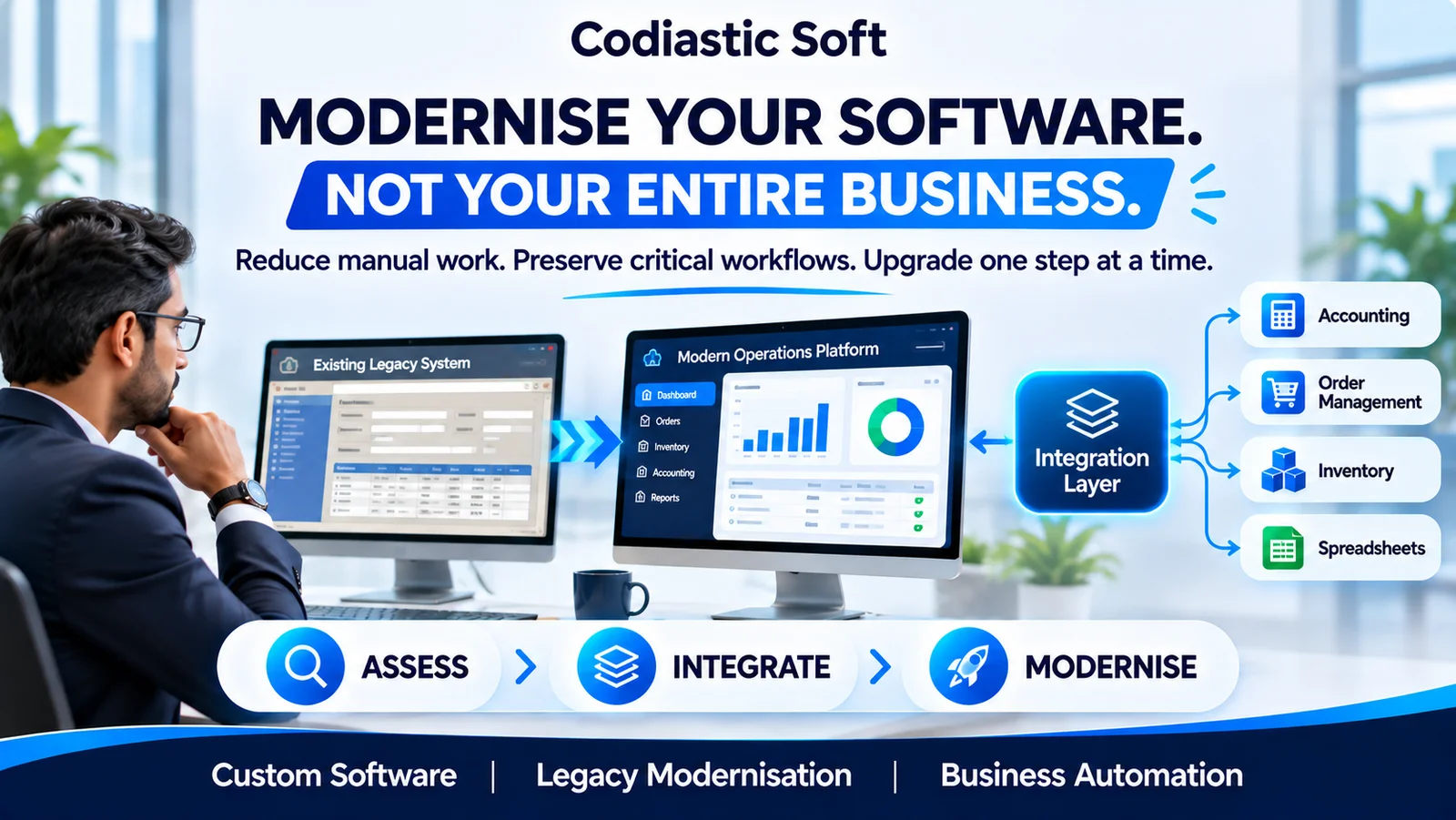
Software Development
Legacy Software Modernisation: How to Upgrade Your Business Without Disrupting Operations
Read article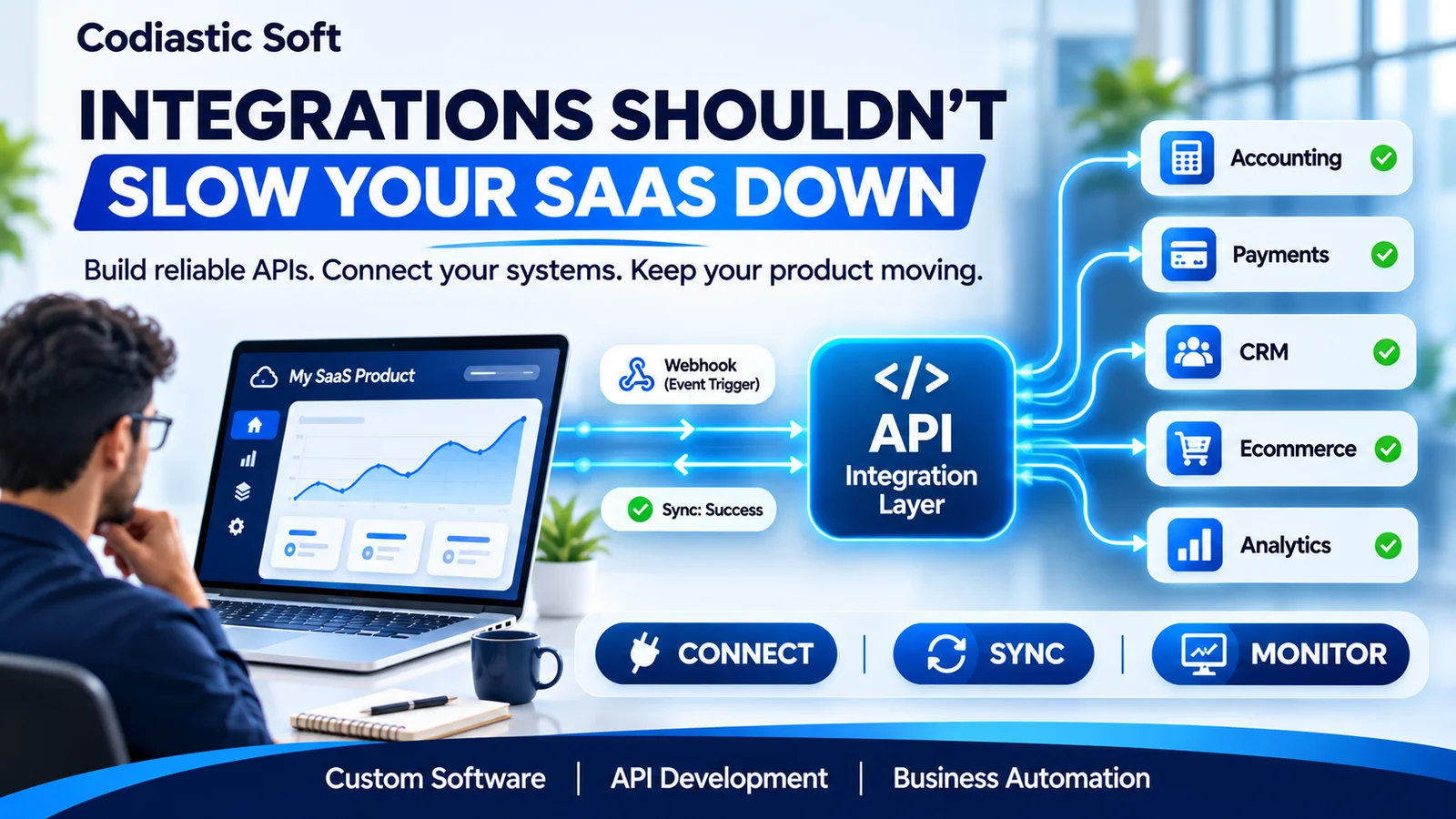
API & Integration Development
API Integrations for SaaS: How to Connect Systems Without Creating a Maintenance Nightmare
Read article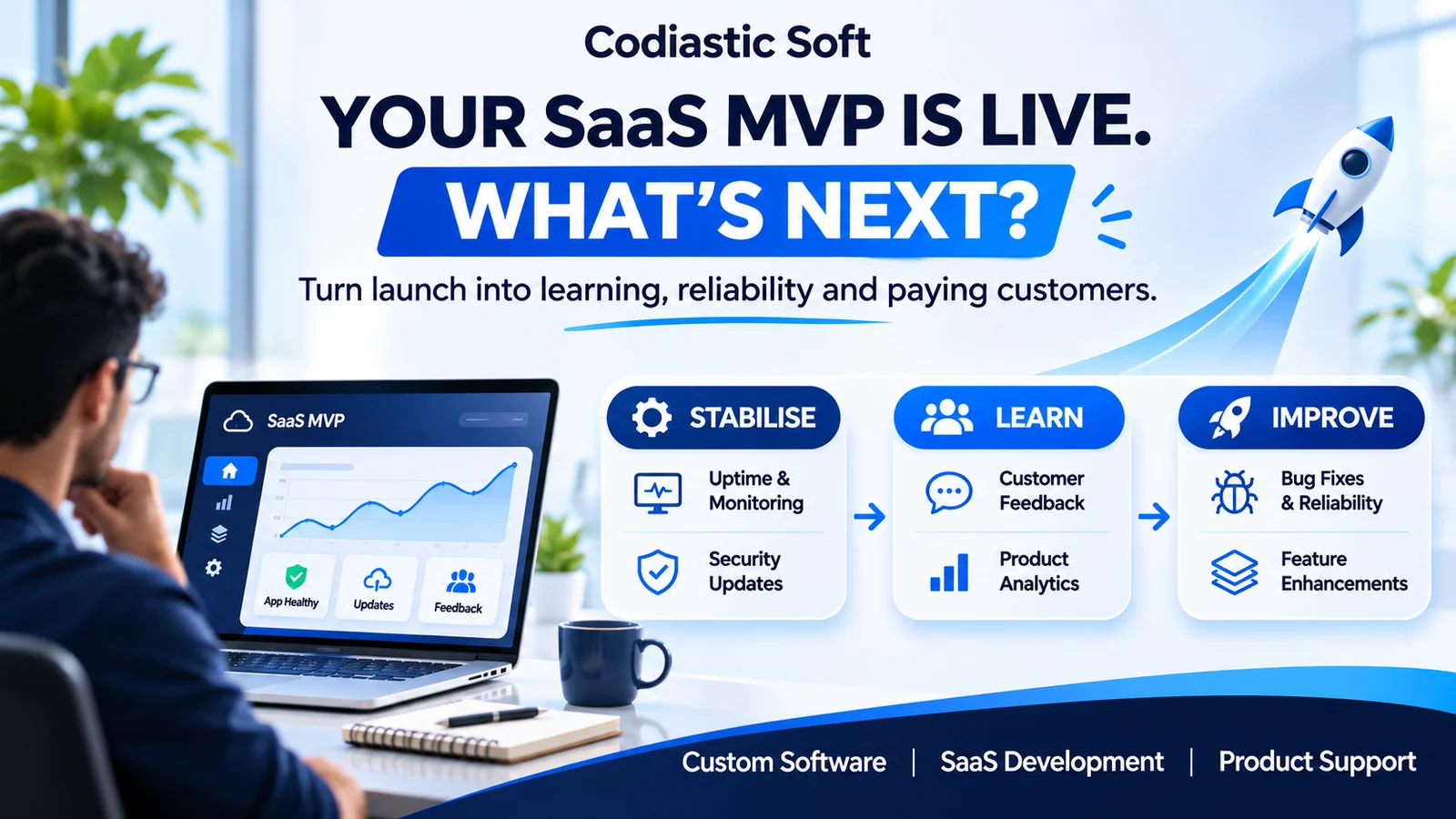
SaaS & Product Development