
What Should a SaaS MVP Budget Actually Include?
Two agencies can quote completely different prices for the same SaaS idea because they're not always pricing the same scope. Here's what a realistic MVP budget should account for—from product discovery and UI/UX to development, integrations, QA, deployment and post-launch iteration.
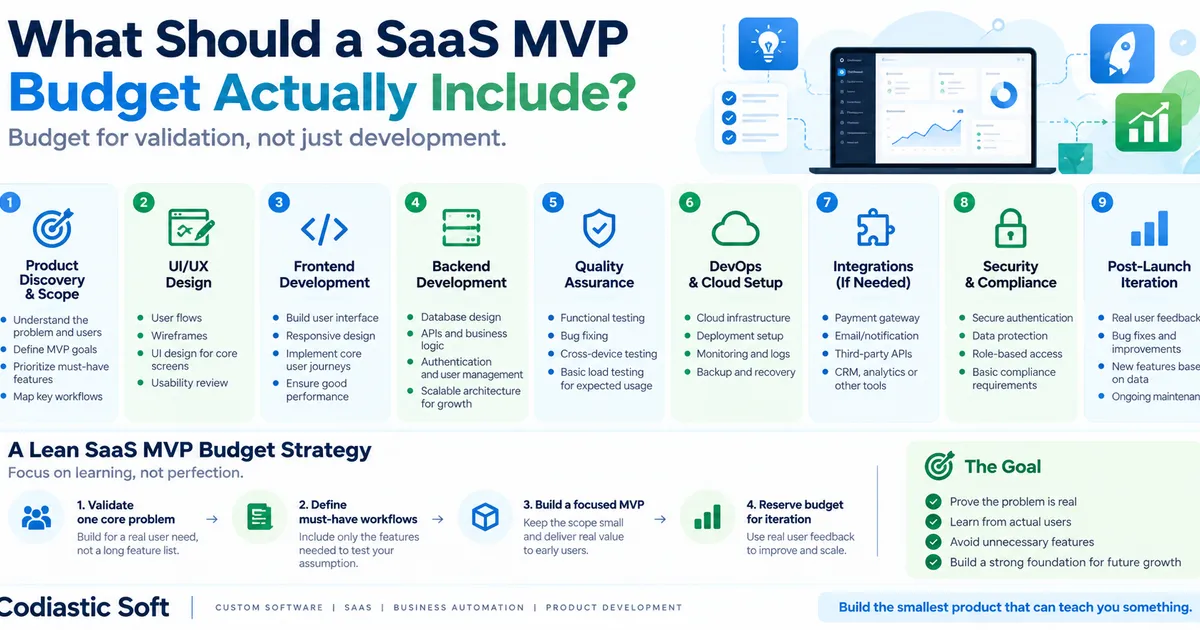
What Should a SaaS MVP Budget Actually Include?
One of the hardest questions for a founder building a SaaS product is:
“How much will my MVP cost?”
The frustrating answer is usually:
“It depends.”
And technically, that's true.
But it isn't particularly useful.
A better question is:
“What exactly should be included in the MVP budget?”
Two companies can quote very different prices for what appears to be the same SaaS product because they are actually including different things.
One quote might include only coding.
Another might include:
Product discovery
UI/UX
Frontend
Backend
Database
QA
Cloud infrastructure
Deployment
Security
Third-party integrations
Project management
Documentation
Post-launch support
That's why founders should compare scope, not just price.
1. Start With Product Discovery
Before writing code, someone needs to understand what is actually being built.
This doesn't necessarily require weeks of consulting.
For an MVP, the objective should be to answer:
Who is the target user?
What problem are we solving?
What is the core workflow?
What is the smallest useful version?
Which features are essential?
Which features can wait?
What assumptions are we trying to validate?
This stage can save a significant amount of development effort later.
A developer building an unclear product specification will eventually make assumptions.
Those assumptions turn into:
development → feedback → changes → rework → additional cost.
2. UI/UX Design
A SaaS MVP doesn't need a massive design system.
But it does need enough UX work to make the core workflow usable.
At minimum, think about:
User flows
Information architecture
Core screens
Navigation
Forms
Dashboard structure
Responsive behaviour
Empty states
Error states
The goal isn't to make every screen beautiful.
The goal is to make sure the user can actually complete the job the product was created for.
3. Frontend Development
This is what users see and interact with.
Depending on the product, the frontend may include:
Landing page
Registration
Login
Dashboard
User profile
Core product workflow
Settings
Admin interface
Responsive layouts
A common mistake is underestimating the number of states in a real application.
A screen isn't just:
“Data exists.”
You also need:
Loading
Empty
Error
Success
Validation
Permission restrictions
Mobile/responsive behaviour
Those details are part of building a usable product.
4. Backend Development
The backend usually contains much of the actual product logic.
This can include:
Authentication
User management
Roles and permissions
Database design
APIs
Business logic
File handling
Notifications
Background jobs
Billing logic
Admin functionality
For a SaaS product, the backend architecture also needs to consider how multiple customers or organizations will be separated.
If you're building a multi-tenant SaaS, questions around:
tenants → users → roles → permissions → data isolation
should be considered early.
5. Database Design
A database isn't simply a place to store whatever the frontend sends.
The data model should support the actual business workflows.
For example:
Organization
   ↓
Users
   ↓
Roles
   ↓
Projects
   ↓
Tasks
   ↓
Activity
If the data model is rushed, seemingly simple future requirements can become expensive.
A lean MVP doesn't need a perfect architecture.
But it should avoid obvious structural decisions that make the next stage unnecessarily difficult.
6. Third-Party Integrations
This is one of the biggest sources of unexpected MVP cost.
A founder may describe the product as:
“It's basically a dashboard.”
Then the requirements become:
Stripe
Razorpay
Cashfree
Google
Microsoft
WhatsApp
Email
Zoom
Maps
CRM
Accounting
AI APIs
SMS
Analytics
Every integration has its own:
Authentication
API behaviour
Error handling
Rate limits
Testing
Webhooks
Edge cases
Documentation
So integrations should be explicitly identified before comparing development quotes.
A quote that says:
“Payment integration included”
isn't necessarily equivalent to:
“Payment gateway integration + webhook handling + failed-payment handling + refund flow + reconciliation.”
Those are different scopes.
7. Quality Assurance
A common MVP mistake is:
“We'll test it after development.”
Testing is part of development.
At minimum, the MVP should be checked for:
Core functional workflows
Authentication
Permissions
Form validation
API behaviour
Mobile/responsive behaviour
Major browsers
Integration failures
Basic performance
Regression issues
The objective isn't to make the MVP bug-free.
That's unrealistic.
The objective is to prevent obvious production failures in the workflows you're asking real users to test.
8. DevOps and Deployment
Your application needs somewhere to run.
That means potentially:
Cloud server
Database
Storage
Domain
SSL
CI/CD
Environment configuration
Backups
Monitoring
Logs
For a small MVP, this doesn't need to become a giant infrastructure project.
But it should be production-ready enough that the team knows:
how the application is deployed, where it runs and what happens when something fails.
9. Security
Even an MVP should have basic security.
Think about:
Password handling
Authentication
Authorization
API protection
Input validation
Sensitive information
Database access
File uploads
Secrets management
HTTPS
You don't necessarily need enterprise-grade compliance on day one.
But:
“It's only an MVP” is not a reason to ignore basic security.
10. Admin Panel
This is frequently forgotten.
If the product has customers, someone will eventually need to manage:
Users
Accounts
Content
Transactions
Subscriptions
Reports
Support cases
Configurations
The admin panel doesn't need 100 screens.
But the team should decide:
What does the business need to operate the MVP?
That should be included in the scope.
11. Post-Launch Budget
This is probably the most overlooked part.
An MVP isn't finished when it goes live.
The first real users will reveal:
Bugs
Confusing workflows
Missing features
Performance issues
Unexpected edge cases
UX problems
New requirements
That's normal.
The budget should therefore include some financial room after launch.
Not necessarily a huge maintenance contract.
But don't spend your entire budget just reaching production and then have no money left to learn from actual users.
A recent 2026 SaaS discussion makes exactly this point: founders should reserve money after launch because real users often reveal problems and improvements that weren't visible during development.
12. The MVP Budget Should Be Feature-Driven
Instead of asking:
“How much does an MVP cost?”
Break it down into the actual product.
For example:
MVP Core
Registration/login
Dashboard
Core workflow
User management
Admin panel
One payment method
Later
Advanced analytics
Multiple payment gateways
Mobile application
AI assistant
Advanced integrations
Complex reporting
Automation
Enterprise permissions
This makes the budget much easier to control.
13. Don't Build the “Version 2” Inside Version 1
This is where MVP budgets often explode.
A founder starts with:
“We only need a simple marketplace.”
Then:
“Let's also add subscriptions.”
Then:
“Can we add AI?”
Then:
“Maybe mobile apps too.”
Then:
“Let's add an admin analytics system.”
Then:
“Can we support multiple languages?”
Now the MVP isn't an MVP anymore.
Every additional feature should answer:
Does this help us validate the core business assumption?
If not, it can probably wait.
14. Compare Development Quotes Correctly
Suppose you receive three proposals:
Company A
₹5 lakh
Company B
₹8 lakh
Company C
₹12 lakh
Don't immediately conclude:
“Company A is cheapest.”
Ask each company to show:
Area Included?
Product discovery ?
UI/UX ?
Frontend ?
Backend ?
Database ?
Admin panel ?
QA ?
DevOps ?
Cloud setup ?
Integrations ?
Security ?
Deployment ?
Documentation ?
Post-launch support ?
The ₹5 lakh proposal may actually be the most expensive if half the required work appears later as change requests.
15. What We Do Differently at Codiastic
At Codiastic Soft, we approach custom product development by breaking the product down into business workflows and deliverables first, then determining the appropriate technology and development scope.
For an MVP, the objective shouldn't be:
“Build everything the final product might eventually need.”
It should be:
“Build enough of the right product to test the core assumption with real users.”
That distinction affects:
Cost
Timeline
Architecture
Feature prioritization
Testing
Deployment
Future development
The Simple MVP Budget Formula
A practical way to think about your budget is:
Not every project needs equal investment in each category.
A simple internal tool might need almost no third-party integration.
An AI SaaS might need significant API and infrastructure work.
A marketplace might need substantial payment, notification and role logic.
An enterprise SaaS might need much more around permissions, audit trails and security.
So there isn't one universal MVP price.
There is a universal principle:
Know what you're paying for before comparing the number.
Final Thought
The purpose of an MVP isn't to prove that your development team can build software.
It's to prove that customers want the product you're building.
So your budget should optimize for:
Learning speed + usable product + reliable core workflow + ability to iterate.
Not:
Maximum features + minimum initial price.
Build the smallest product that can teach you something meaningful.
Then use what you learn to decide what deserves the next investment.

Written by
Codiastic Soft Team
We build websites, mobile apps, SaaS products and automation for growing businesses in Pune and worldwide. About us →
Keep reading
More from our blog
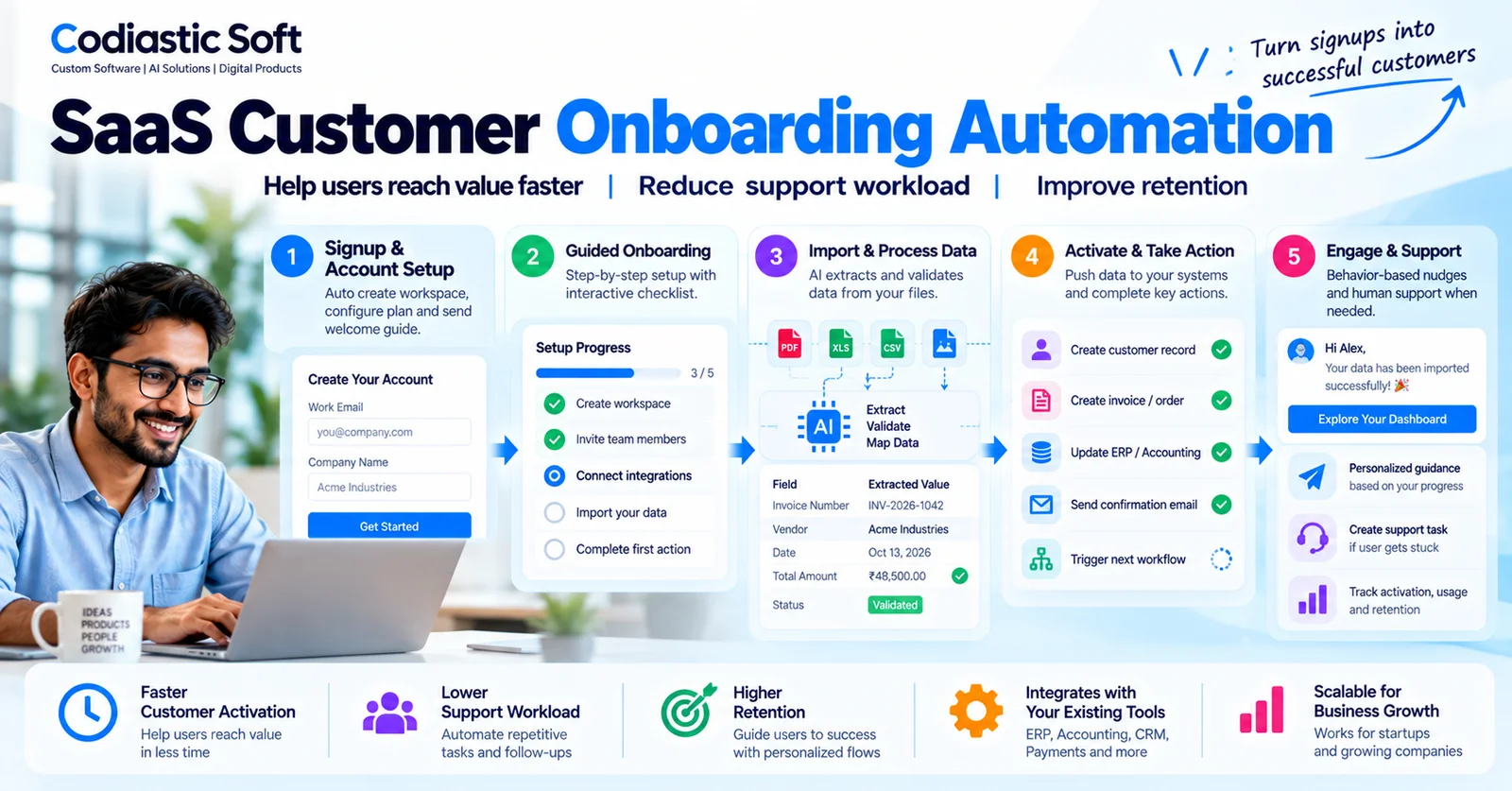
SaaS & Product Development
SaaS Customer Onboarding Automation: Improve Activation Without Adding More Staff
Read article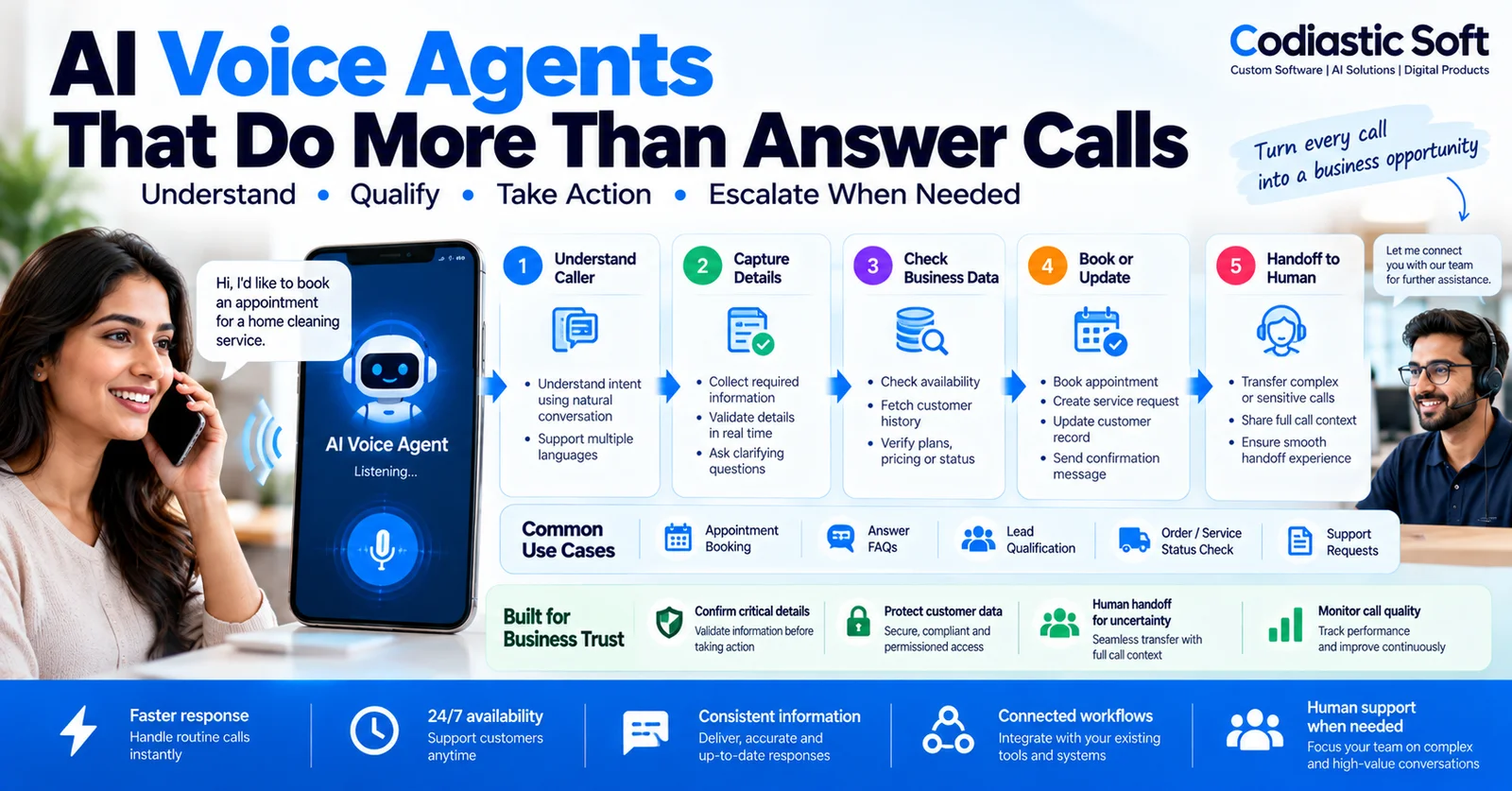
AI & Automation
AI Voice Agents for Business: Use Cases, Integrations and Best Practices
Read article
Product Development & Startups