
What Business Processes Should You Automate With AI? A Practical Guide
Not every business process needs AI. Learn how to identify the right workflows for AI automation, measure ROI, keep humans in control, and avoid automating processes that are too unpredictable or risky.
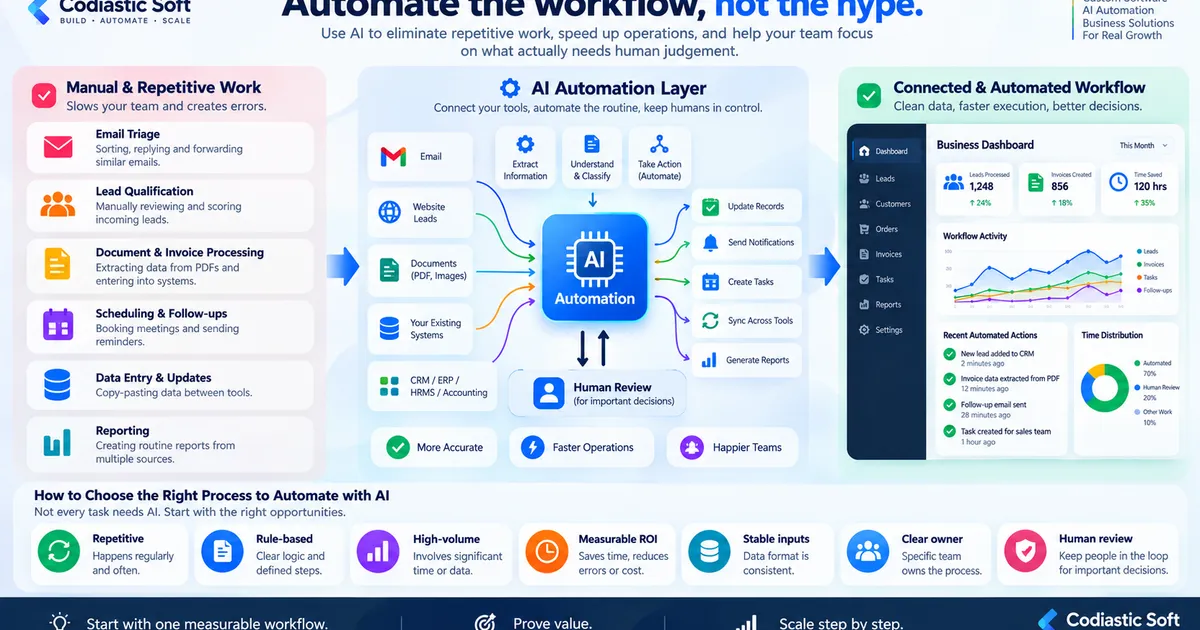
What Business Processes Should You Automate With AI?
AI automation has moved beyond simple chatbots and content generation.
Businesses can now use AI to classify information, extract data, qualify leads, summarize documents, answer questions, make recommendations and trigger actions across existing software systems.
But there is an important question that often gets skipped:
Just because AI can automate something doesn't mean your business should automate it.
The best AI automation projects usually start with a specific business workflow that is repetitive, measurable and expensive enough to justify improvement.
The goal isn't to put an AI agent everywhere.
The goal is to remove unnecessary manual work while keeping humans in control of decisions that actually require judgment.
Start With the Workflow, Not the AI
One of the biggest mistakes businesses make is starting with:
“We want to implement AI.”
That's backwards.
Start with:
“Where is our team spending too much time doing repetitive work?”
For example:
A sales team might spend hours reviewing incoming enquiries.
An accounts team might manually extract information from invoices.
An operations team might copy information between multiple systems.
A support team might repeatedly answer the same basic questions.
A manager might spend several hours every week preparing reports.
These are workflows.
AI should be evaluated inside those workflows.
7 Signs a Process May Be a Good AI Automation Candidate
1. The Process Happens Frequently
If a task happens once a year, automation may not be worth the effort.
But if employees perform it:
50 times per day
500 times per month
Or thousands of times per year
the potential savings become significant.
For example:
100 documents × 5 minutes of manual processing = 500 minutes.
That's more than eight hours of work.
If AI can reliably reduce that effort, there may be a meaningful business case.
2. The Input Is Relatively Predictable
AI automation works better when the incoming information has a reasonable structure.
Examples:
Customer enquiries
Invoices
Application forms
Support emails
Product descriptions
Sales leads
Internal documents
Standard reports
The more chaotic the input, the more validation and human review you may need.
3. The Decision Rules Are Understandable
Suppose your company receives 1,000 leads every month.
You might have rules such as:
Industry must be relevant
Company size above a certain level
Required service selected
Geographic region supported
Contact information available
AI can help classify and prioritize those leads.
But the business should still define what actually happens afterward.
4. The Result Is Measurable
This is extremely important.
Don't automate something simply because it sounds impressive.
Define the expected outcome.
For example:
Before
Sales team spends 40 hours/month qualifying leads.
After
AI handles first-level classification and reduces manual review to 15 hours/month.
That's measurable.
Or:
Before
Accounts team manually processes 1,000 invoices/month.
After
AI extracts invoice data and sends exceptions to a human for review.
Now you can measure:
Processing time
Error rate
Manual intervention
Cost per transaction
Exception rate
That's a real automation project.
5. The Process Has Clear Ownership
Every automated workflow needs an owner.
Someone should know:
What starts the process
What the AI is allowed to do
What happens when confidence is low
Who reviews exceptions
What happens when the integration fails
Without ownership, automation becomes difficult to maintain.
6. The Cost of Errors Is Acceptable
This is where businesses need to be careful.
Consider two examples.
Low-risk
AI categorizes incoming support emails.
If it makes a mistake, a human can correct it.
High-risk
AI independently approves a large financial transaction.
A mistake could be extremely expensive.
These two workflows should not have the same level of automation.
For important operations, a human-in-the-loop model can be much safer:
AI analyzes → AI recommends → Human approves → System executes
rather than:
AI analyzes → AI decides → AI executes
7. The Existing Software Can Be Connected
AI automation becomes much more useful when it can interact with the systems where the business already works.
For example:
Or:
This requires more than an AI model.
It may require:
APIs
Webhooks
Databases
Authentication
Business rules
Workflow engines
Queues
Logging
Monitoring
Human approval
That's where AI development and conventional software engineering meet.
AI Automation Doesn't Mean Removing Humans
This is one of the most important principles.
For many business workflows, the best architecture is:
AI handles:
Reading
Classification
Extraction
Summarization
Recommendations
Drafting
Data preparation
Humans handle:
Exceptions
Approvals
Sensitive decisions
High-value transactions
Unusual situations
Accountability
The objective isn't:
“Remove humans.”
It's:
“Remove humans from repetitive work where human judgment isn't necessary.”
A Practical AI Automation Example
Imagine a company receives hundreds of enquiries every month.
The current workflow:
Email arrives
↓
Employee reads it
↓
Employee determines category
↓
Employee checks customer information
↓
Employee opens CRM
↓
Employee creates lead
↓
Employee assigns salesperson
↓
Employee sends acknowledgement
↓
Employee creates follow-up task
This could potentially become:
That's a much more practical AI automation project than simply adding an AI chatbot to the website.
What Should You NOT Automate With AI?
Not every workflow is a good candidate.
Be cautious when:
The process is extremely unpredictable
If there is no stable definition of what should happen, automation becomes difficult.
There is no measurable benefit
If the task takes five minutes per month, AI development may cost more than the problem.
Mistakes are extremely expensive
Financial, legal, medical or security-sensitive workflows may require much stronger controls.
Nobody owns the process
If nobody understands the existing workflow, automating it can simply automate confusion.
The underlying data is poor
AI cannot magically fix badly structured business data.
Sometimes the correct first project is data cleanup, not AI.
How We Approach AI Automation
A practical approach is:
Step 1 — Identify the workflow
Don't start with technology.
Start with the business process.
Step 2 — Measure the current state
Calculate:
Time
Volume
Errors
Employees involved
Cost
Step 3 — Identify automation opportunities
Separate:
Rule-based automation
Traditional software automation
AI-assisted automation
Human decisions
Step 4 — Define the boundaries
Decide exactly what AI can and cannot do.
Step 5 — Connect the required systems
Build the APIs, integrations and workflow logic.
Step 6 — Add validation
Don't assume every AI output is correct.
Step 7 — Add human approval where necessary
Especially for important operations.
Step 8 — Measure the result
Compare the new process against the original one.
Real-World Example: Payment Automation
Codiastic Soft worked on Dockvio, a custom payment automation system designed around operational payment workflows.
The system was not simply an AI chatbot.
It involved:
Payment workflow automation
Business rules
Payment status management
Transaction management
Administrative controls
API integration
Workflow monitoring
Scalable architecture
The project illustrates an important principle:
Business automation is primarily about designing the workflow. AI is one tool that can be used inside that workflow when it provides value.
Codiastic has also developed Defect IQ, an AI-powered product defect detection solution focused on AI-assisted quality inspection.
These are very different AI use cases, but they share the same underlying principle:
Start with the business problem, then choose the appropriate technology.
AI Agent or Traditional Automation?
Another important decision is whether you actually need an AI agent.
For example:
If the rule is simply “when payment succeeds, update the order status,”
you probably don't need an AI agent.
Traditional automation is more predictable.
But if the system needs to:
Read an unstructured email
Understand its intent
Extract information
Determine the appropriate category
Decide which workflow applies
Generate a response
AI may add significant value.
A good system may even combine both:
AI → Understand
Rules engine → Decide
Workflow engine → Execute
Human → Approve exceptions
This hybrid approach is often more reliable than expecting an AI model to control everything.
The Best First AI Automation Project
If you're considering AI automation for your business, don't begin with:
“Let's build an AI agent.”
Start with:
“Which workflow currently costs us the most repetitive human effort?”
Then ask:
How frequently does it happen?
How much time does it consume?
How expensive are mistakes?
Is the input reasonably predictable?
Can success be measured?
Which systems are involved?
Where should human approval remain?
If the answers are clear, you may have a good automation candidate.
Conclusion
The best AI automation projects aren't necessarily the most impressive demos.
They are the ones that quietly eliminate hours of repetitive work every week.
A good business automation system might look like:
That's much more practical than trying to replace an entire department with an AI agent.
Start with one workflow.
Measure it.
Automate it safely.
Prove the value.
Then scale.

Written by
Codiastic Soft Team
We build websites, mobile apps, SaaS products and automation for growing businesses in Pune and worldwide. About us →
Keep reading
More from our blog
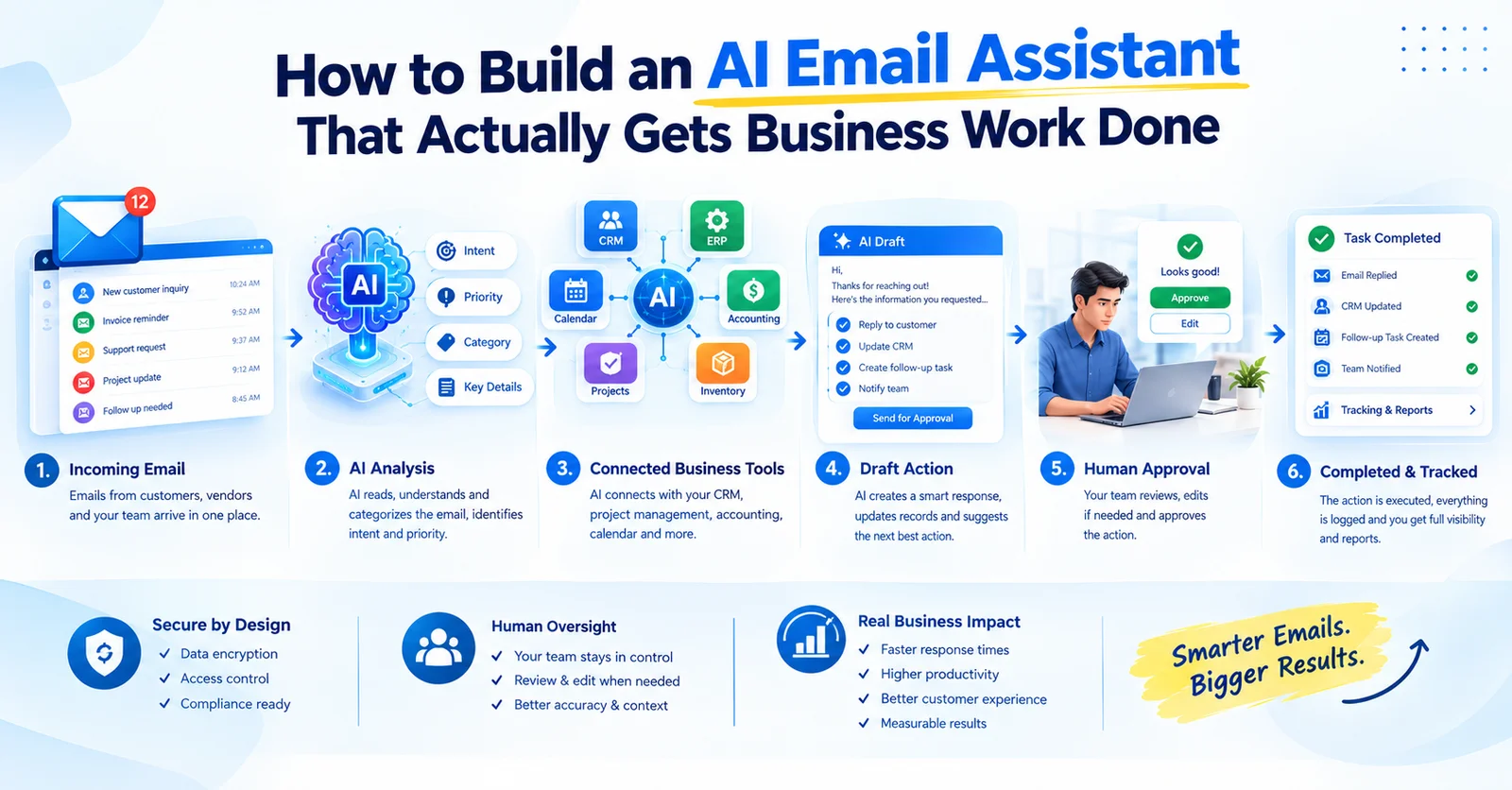
Artificial Intelligence
How to Build an AI Email Assistant That Actually Gets Business Work Done
Read article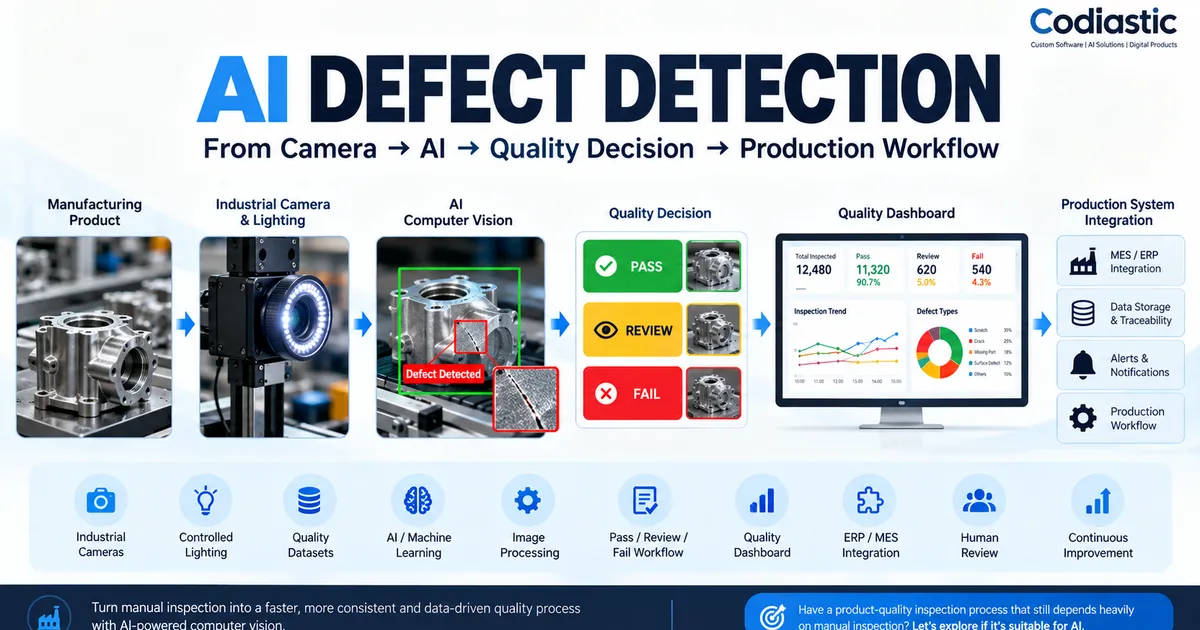
Artificial Intelligence
AI Defect Detection in Manufacturing: What You Need Before Building a Computer Vision System
Read article
AI & Automation